

Having the best SEO plugin for WordPress will help you to improve your position in the search engines and crucial for any website’s success. Even more with the introduction of AI tools. WordPress users have a wide-range of SEO plugins to choose from. These plugins can help you to significantly improve your site’s visibility.
Selecting the right plugin can be overwhelming. Each offers unique features and benefits. Understanding these can help you make an informed choice.
This guide will explore the best SEO plugins for WordPress. We’ll compare their features and benefits. Our goal is to help you make the right decision from both technical and marketing perspective.
Whether you’re a beginner or an expert, there’s a SEO plugin for you. Discover the best options available and start optimize your WordPress site today.
Why use an SEO Plugin for WordPress?
SEO plugins are vital for those who want higher rankings. They simplify complex SEO tasks with ease. These plugins help boost your site’s visibility efficiently.
Using an SEO plugin can save you both time and effort. Automated tasks and straightforward guidance streamline your SEO strategy. This lets you focus more on content creation.
There are crucial features that these plugins provide:
- Meta tag management
- XML sitemaps
- Social media integration
Additionally, an SEO plugin can help you to write your landing page or blog post specifically for a primary and secondary keyword. The best SEO plugins for WordPress work with a traffic light logic, in this way you know exactly when your page is optimized and ready to receive visitors.
Finding the right plugin involves understanding your unique needs. Once you identify these, the selection becomes clearer. The right plugin can dramatically influence your website’s success.
Read the 10x Best WordPress Performance Plugins to Speed Up Your Website
Key Features to Look for in the Best SEO Plugin for WordPress
When choosing an SEO plugin, prioritize comprehensive features. A solid plugin should offer more than basic optimizations. Look for tools that go beyond the essentials.
The ability to analyze and optimize keywords is crucial. A plugin with a robust keyword tool enhances your content strategy. You should also consider plugins that offer content analysis. Besides, it’s important to take into account all new trends and developments, such as Generative Engine Optimization (GEO).
It’s beneficial if the plugin provides integrated support for:
- XML sitemaps
- Meta tag creation
- Redirect management (404 monitor)
- Image SEO
- LLMS and robots.txt support
- Social media optimization
Customizable settings are also vital. Advanced users will appreciate plugins with flexibility. It allows tailored SEO strategies, adapting to specific goals.
Additionally, consider plugins with seamless integration with analytics platforms. This ensures you can track and improve SEO effectiveness. Opt for those that support ongoing development and frequent updates. This keeps your SEO strategies aligned with the latest changes in search engine algorithms.
Top SEO Plugins for WordPress: In-Depth Comparison
Choosing the right SEO plugin can transform your website’s visibility. With countless options, it’s crucial to know which stand out. Each plugin offers unique features to enhance your WordPress SEO, making informed decisions vital.
Below, we’ll explore some top contenders. We compare them based on functionality, ease of use, and integration capabilities. This guide aims to help you choose the plugin that best suits your needs.
1. Yoast SEO
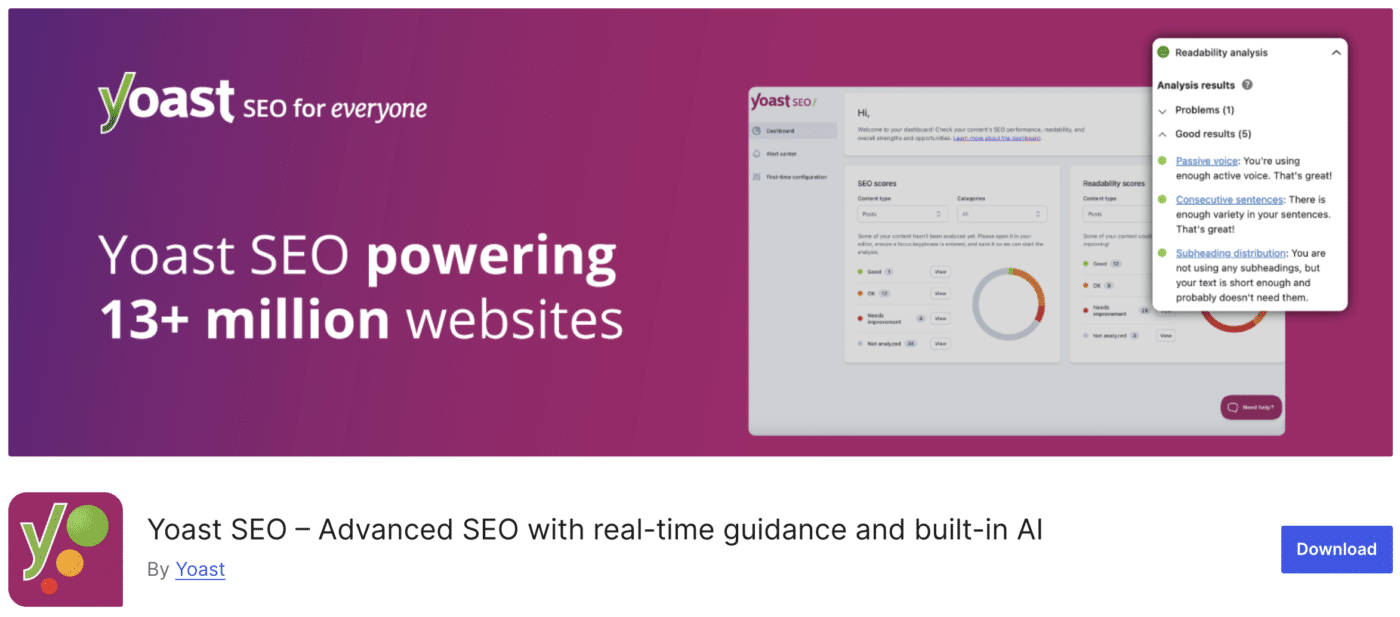
Yoast SEO is a powerhouse among SEO plugins. Known for its user-friendly design, it simplifies on-page SEO.
It provides features for:
- Keyword optimization
- Readability analysis
- Meta descriptions and titles
Users appreciate its real-time content analysis. It offers suggestions for improvement, simplifying optimization.
Another benefit is Yoast’s built-in XML sitemap. It automatically updates, ensuring search engines always find your latest content.
The plugin supports social media integration. This aligns your content with social accounts, expanding your reach.
Lastly, Yoast offers both free and premium versions. Paid options unlock advanced features like automatic redirects, further enhancing your SEO capabilities.
2. Rank Math
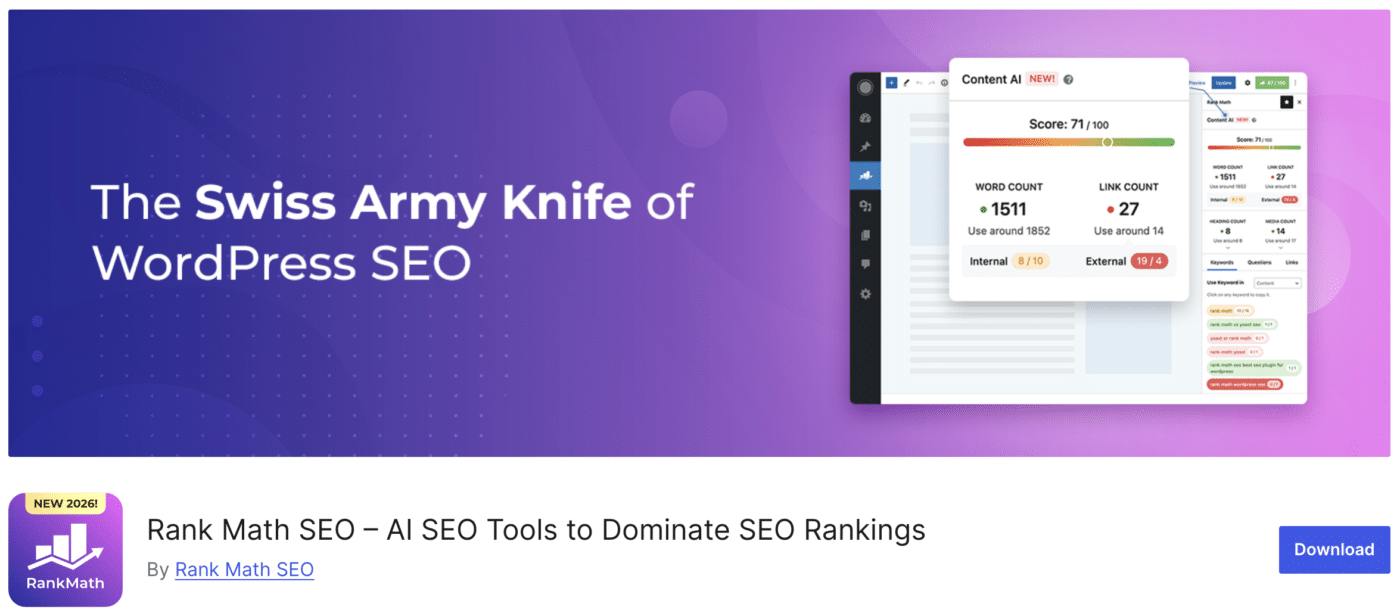
Rank Math is celebrated for its comprehensive free offering. It provides features typically reserved for premium plugins.
Users benefit from:
- Unlimited keyword integration
- Schema markup
- Google Search Console integration
Its clean interface and set-up wizard make installation simple. This best SEO plugin for WordPress guides you through essential settings with ease and is our personal favorite.
A standout feature is Rank Math’s SEO audit tool. It provides actionable insights to improve your site’s performance.
Furthermore, Rank Math offers advanced WooCommerce support, making it ideal for e-commerce platforms.
3. All in One SEO Pack (AIOSEO)
AIOSEO is a robust tool for varied expertise levels. Its features cater to beginners and seasoned SEO professionals alike.
Key offerings include:
- XML sitemap support
- Canonical URLs
- Advanced e-commerce SEO tools
AIOSEO enables fine-tuning with its customizable settings. Users can adjust settings to meet specific optimization needs.
It supports Google AMP, ensuring your site performs well on mobile. This boosts user experience on various devices.
The plugin offers seamless integration with popular social networks. This ensures your content gains maximum visibility.
AIOSEO provides both free and pro versions. The pro version includes extra features like Video SEO modules for richer media content optimization.
4. SEOPress
SEOPress is notable for its affordability and clean interface. It packs extensive features into an accessible package.
Core features include:
- XML and HTML sitemaps
- Content analysis with keyword suggestions
SEOPress is highly customizable. Advanced users will enjoy the ability to tweak settings to suit their SEO strategies.
A unique aspect is its white-label option. This is perfect for agencies wanting to maintain brand consistency.
SEOPress also integrates seamlessly with Google Analytics. This integration offers detailed reporting, allowing you to monitor performance effectively.
5. Squirrly SEO
Squirrly SEO is an innovative tool offering AI-driven insights. It aims to make SEO tasks simpler and more enjoyable.
Users can access:
- SEO audit suites
- Content intelligence features
- Real-time optimization suggestions
A prominent feature is its focus assistant. It helps keep your keywords and topics in mind as you create content.
It’s easy-to-navigate dashboard makes managing SEO tasks straightforward. Its guidance is clear and actionable.
Squirrly also offers a set of e-learning resources. This helps users improve their SEO skills over time, maximizing plugin benefits.
6. The SEO Framework
The SEO Framework is a minimalist plugin. It focuses on automation and ease of use, reducing the need for manual input.
Key features are:
- Automated meta tags
- Pixel-perfect optimization
- Built-in caching
Unlike others, it doesn’t track users, respecting privacy. This makes it a lighter, faster option for optimization.
For developers, its API is extensible. This allows integration with other tools, enhancing functionality.
7. Slim SEO
Slim SEO stands true to its name, offering a lightweight solution. Despite its simplicity, it is effective.
Core features include:
- Auto-generated meta tags
- Sitemap creation
- Redirect management
It’s an excellent choice for those prioritizing speed. The plugin runs efficiently without slowing site performance.
Slim SEO requires no configuration upon installation. It’s a plug-and-play option for straightforward SEO enhancements.
Other Noteworthy SEO Plugins and Tools
In addition to the big names, several lesser-known SEO plugins offer unique advantages. These tools provide specialized features that cater to specific needs, complementing mainstream options effectively.
Consider exploring the following tools:
- Redirection: Essential for managing 301 redirects and tracking 404 errors.
- Broken Link Checker: Automatically detects broken links in your content and offers suggestions.
- WP Meta SEO: Provides a bulk editor for meta information, saving time on optimizations.
Each of these plugins brings unique functionalities, making them worthy additions to your SEO toolkit. They help address specific pain points, bolstering your overall optimization efforts.
SEO Plugins for Technical Optimization
Technical optimization is vital for a well-performing website. It ensures that search engines can crawl and index your site efficiently. Plugins dedicated to this can significantly enhance your site’s backend performance.
Some options focus on the critical areas:
- Yoast SEO: Offers XML sitemaps and robots.txt editing.
- All in One SEO Pack: Helps manage schema markup and advanced canonical URLs.
- The SEO Framework: Provides automatic generation of meta tags and canonical links.
These plugins simplify complex optimization tasks. By integrating them, you ensure your website meets important technical SEO standards. This attention to detail can lead to better visibility in search results.
On-Page SEO and Content Optimization Plugins
Enhancing your on-page SEO is crucial for boosting page rankings. It involves optimizing elements like meta tags, content, and headings. Plugins for this aspect offer streamlined tools for improvement.
Some notable plugins include:
- Yoast SEO: Provides readability and keyword analysis.
- Rank Math: Offers real-time content analysis and optimization tips.
- SEOPress: Delivers detailed content insights and actionable suggestions.
These tools help refine your content strategy. Implementing them ensures your pages are well-optimized for search engines. They guide you in crafting content that attracts and engages readers.
Image Optimization and Site Speed Plugins
Whether or not you will have success with search engine optimization, is also determined by the overall performance of your website. A slow site will automatically rank lower, certainly when your competitors site is faster and better optimized. Aside from optimizing your landing pages, blog posts and product pages for the most important keywords, it’s crucial to make sure your performance score and Core Web Vitals are in green also.
Read the 10x Best WordPress Performance Plugins to Speed Up Your Website
Optimizing images is essential for fast load times and improved user experience. Compressed images reduce bandwidth without losing quality. This plays a key role in overall SEO performance.
Site speed plugins aid in minimizing page load time. Faster sites rank higher on search engines. They also ensure users have a seamless browsing experience.
Some effective plugins include:
- Imagify: Compresses images efficiently.
- ShortPixel: Offers both image compression and conversion features.
- WP Rocket: Enhances caching and overall site speed.
These tools contribute significantly to SEO by ensuring your site is both fast and efficient.
How to Choose the Best SEO Plugin for WordPress
Selecting the right SEO plugin requires consideration of key factors. It’s not just about popular names or features, but how well the plugin suits your specific needs.
Evaluate your website’s requirements. If you manage a blog, focus on content optimization features. E-commerce sites might need more complex SEO tools.
Check compatibility with your current WordPress setup. Plugins should integrate smoothly without causing conflicts or slowing down the website.
Read user reviews and ratings. Insights from other users’ experiences can guide you towards reliable and effective plugins.
Consider the following factors:
- Compatibility with your WordPress version.
- Availability of customer support.
- The range of free versus premium features.
- Regular updates and developer support.
By assessing these elements, you can ensure the plugin you choose enhances your site’s SEO without unnecessary complications.
Tips for Maximizing SEO Plugin Effectiveness
To get the most from your SEO plugin, begin by fully understanding its capabilities. Thoroughly read available documentation and tutorials provided by developers.
Regularly update the plugin to benefit from the latest features and security patches. This ensures your website stays optimized and secure.
Customize settings to match your SEO objectives. Default settings can be basic, so tweak them for best results.
Consider the following tips:
- Perform regular SEO audits using the plugin.
- Use integrated analytics for data-driven decisions.
- Leverage content optimization suggestions to improve keywords.
By adapting and fine-tuning your approach, you can significantly boost the effectiveness of your chosen SEO plugin.
Frequently Asked Questions About WordPress SEO Plugins
Choosing the right SEO plugin can be daunting. Many questions arise when navigating options.
Which plugin offers the best free features? Rank Math is renowned for its free comprehensive tools. Users often inquire about support quality.
Yoast SEO is noted for excellent support, even in its free version. Other plugins offer support based on premium subscription tiers.
How often should you update your SEO plugins? Always update promptly for security and to access new features.
Here are some frequently asked questions:
- Which plugin is best for beginners?
- Do I need more than one SEO plugin?
- Can plugins improve mobile SEO?
Consider these questions as you explore SEO plugin solutions. They can guide you toward optimal website performance.
Conclusion: Boost Your Rankings with the Right SEO Plugin
Choosing the right SEO plugin can dramatically impact your website’s visibility. The best plugin enhances your WordPress SEO effortlessly.
Consider the unique features each plugin offers. Yoast SEO, Rank Math, and others provide specialized tools tailored to different needs.
Evaluate plugins based on your goals and expertise. With the right choice, your website can achieve greater search engine rankings and increased traffic. Let your plugin be a cornerstone of your SEO strategy.